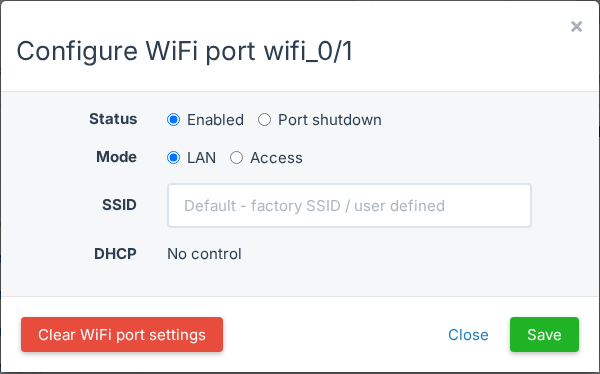
Many support calls are about WiFi: a new password or a new network name. With TR-069, your team sets the WiFi and the internet connection of an ONU from SmartOLT. Nobody needs to visit the customer or log in to the web page of the ONU.
What it does
- Set the WAN to PPPoE, DHCP or static IP, with IPv4 or IPv4/IPv6 dual stack.
- Set the SSID, the password and the security for each WiFi band.
- Add an extra SSID when the ONU has a free SSID slot.
- Check the result in TR069 Stat.