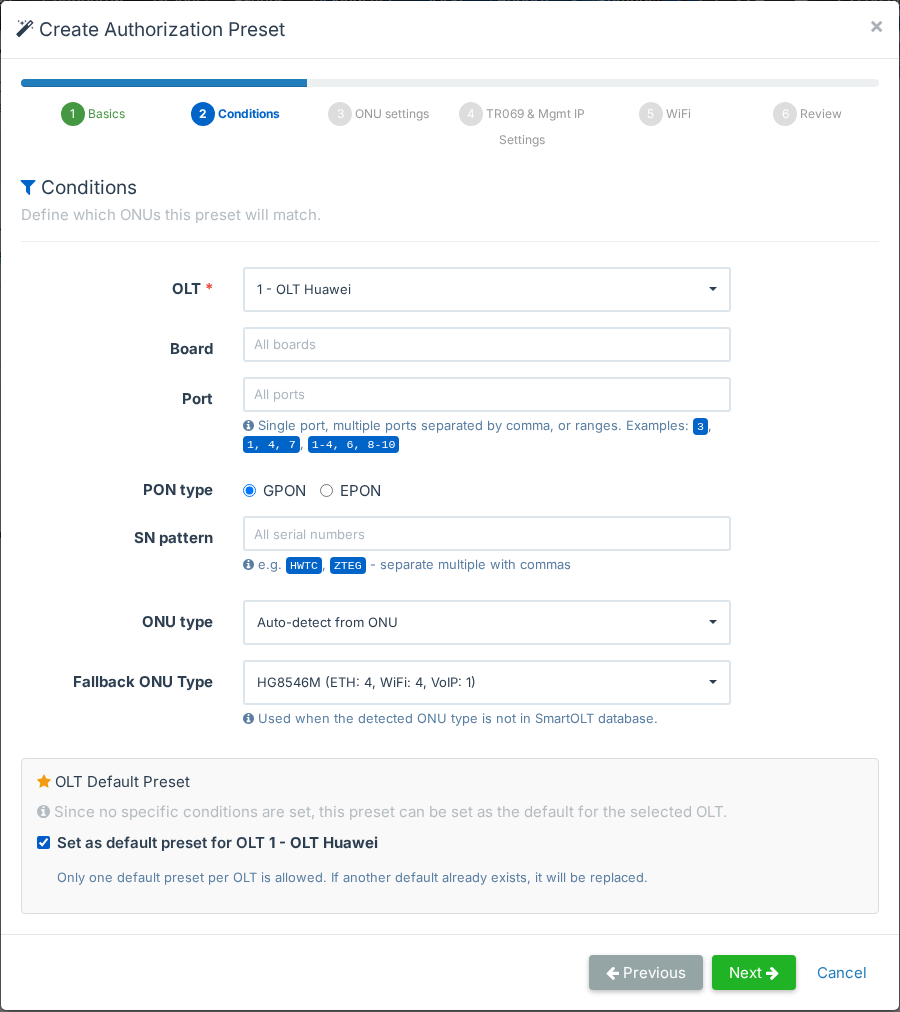
Most new ONUs get the same settings: ONU type, VLANs, speed, TR-069, management IP and WiFi. Typing them for every customer takes time and leads to mistakes. An authorization preset saves these settings once. SmartOLT fills in the authorization form from the preset, or authorizes matching ONUs by itself.
What it does
- Create a preset with a wizard: conditions, ONU settings, TR-069 and management IP, WiFi.
- Match a preset to an OLT, a board, PON ports, the PON type, an SN pattern or the ONU type.
- Set a default preset for each OLT, so that SmartOLT selects it in the authorization form.
- Authorize new ONUs automatically for a set time, each with the preset that matches it best.
- Follow the progress and see the result for each ONU.