Elige una opción:
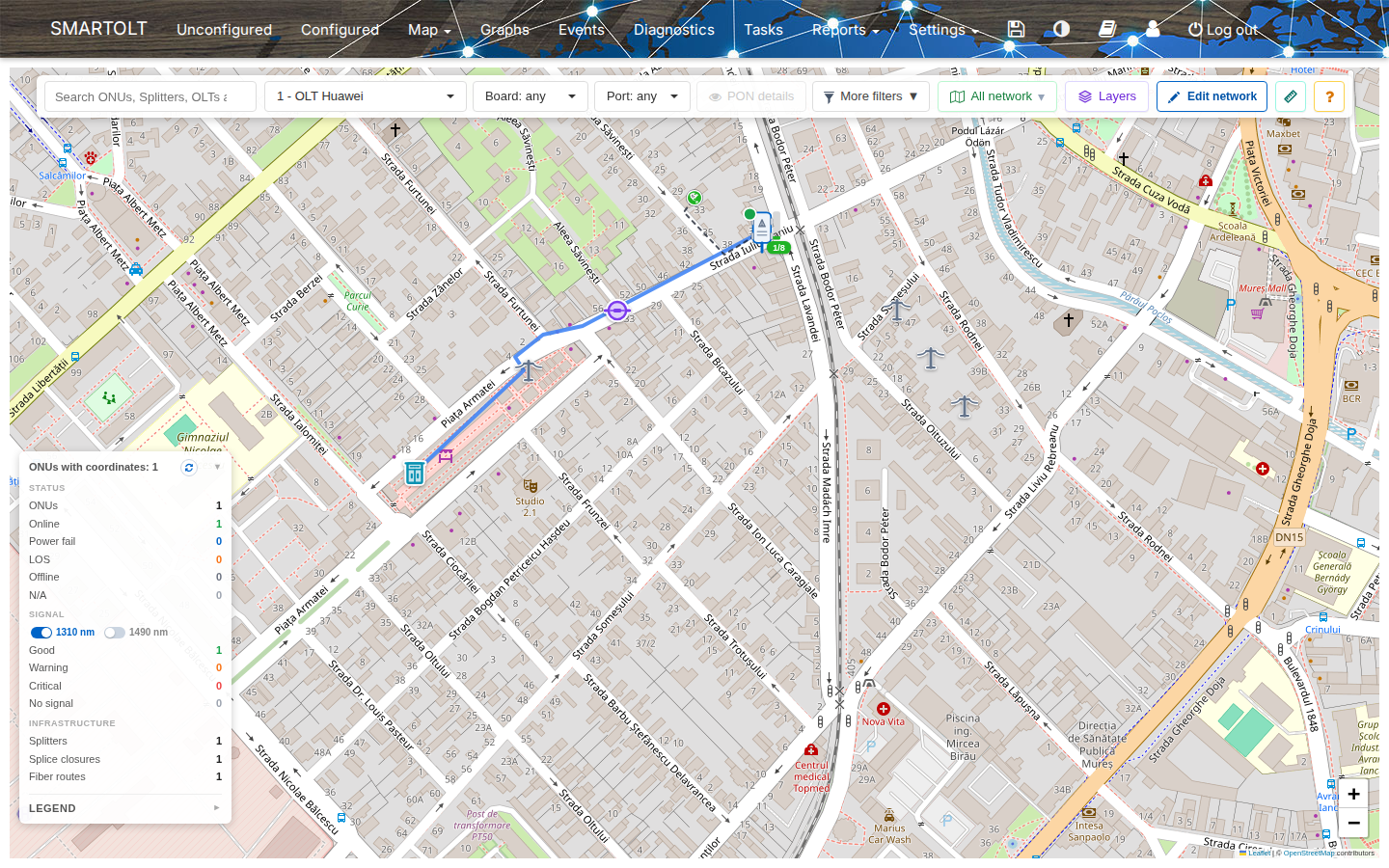
When a customer calls or a PON goes down, your team needs to see where the ONUs are. The network map shows your ONUs and your fiber network on a street map. The color of each ONU shows its status, so you see at a glance where customers are offline. SmartOLT provides the map, so you do not need an account with a map provider.
What it does
- Show the ONUs of an OLT, a PON port, a splitter or an area map on the map.
- Find an ONU, an OLT, a splitter or a street address.
- Filter the ONUs by status and signal, or see a heatmap of down ONUs.
- Read the signal and the details of an ONU, and open it in Google Maps for the technician.
- Check if a splitter with free ports is near a new address.
- Save parts of the network as area maps, color them by free ports and share them with your team.